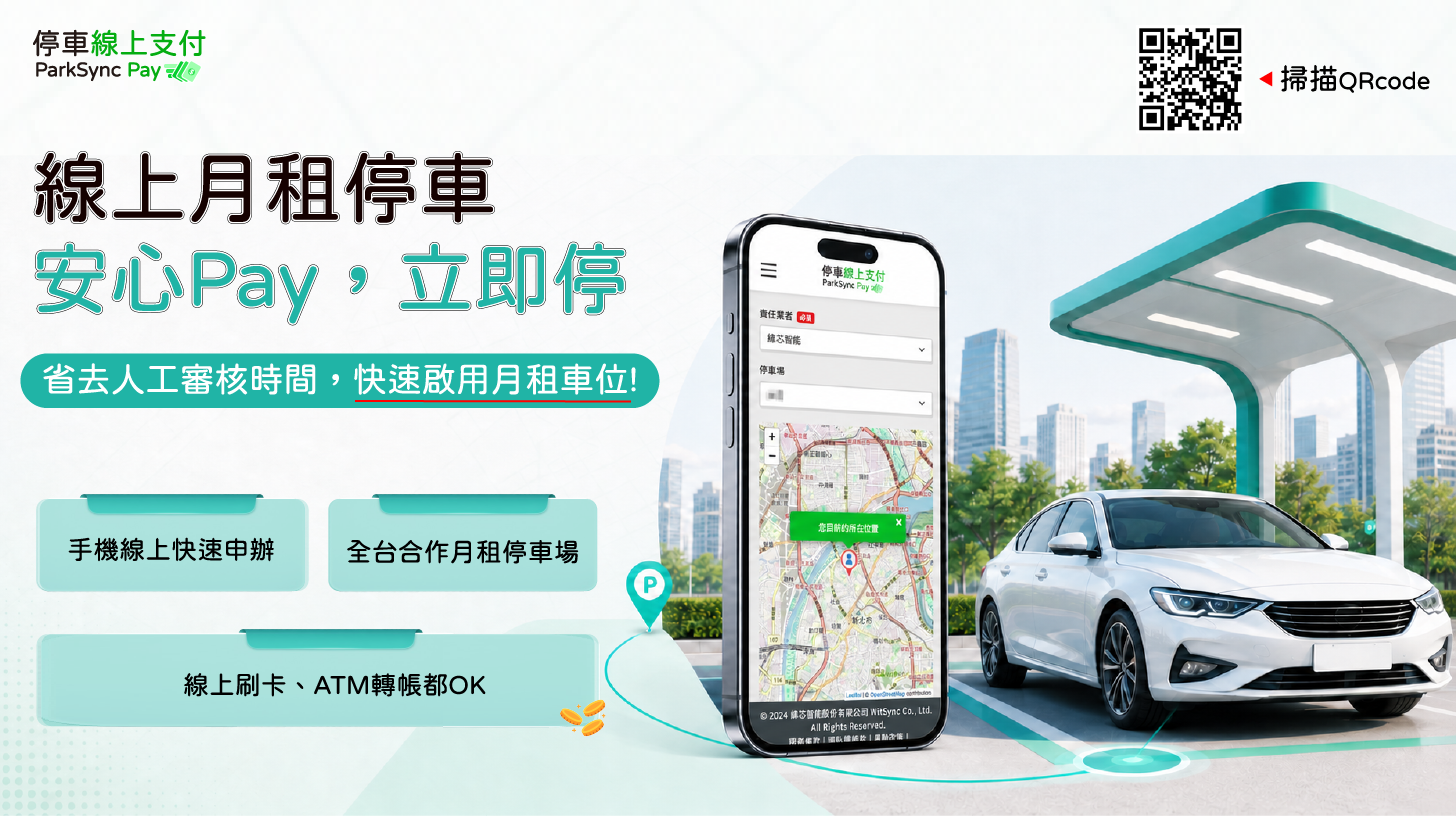
Start Your Application Online
Visit ParkSync Pay to check whether your preferred car park offers monthly spaces. Review the Terms of Service and Privacy Policy, then select a parking facility to begin.
Visit ParkSync Pay to check whether your preferred car park offers monthly spaces. Review the Terms of Service and Privacy Policy, then select a parking facility to begin.
Choose your parking facility and apply as a new or existing user. Based on your start date, rental period, number of spaces, and selected plan, the system will show real-time space availability.
After selecting a space, the system will provide a price estimate. Confirm the amount, review the monthly parking rental terms, and check the agreement box to continue.
Enter required details such as your contact information and vehicle license plate number. You may pay by online credit card or ATM transfer. Your space is confirmed only after payment is completed.
Once your information is confirmed, the system will provide payment instructions based on your selected method, such as redirecting you to an online card-payment page or providing ATM transfer details.
After payment, your monthly parking access is activated immediately. No additional manual approval is required before you can use the parking facility.